Queue and Inbox
Know who's waiting, work the oldest first, clear the queue in one sitting.
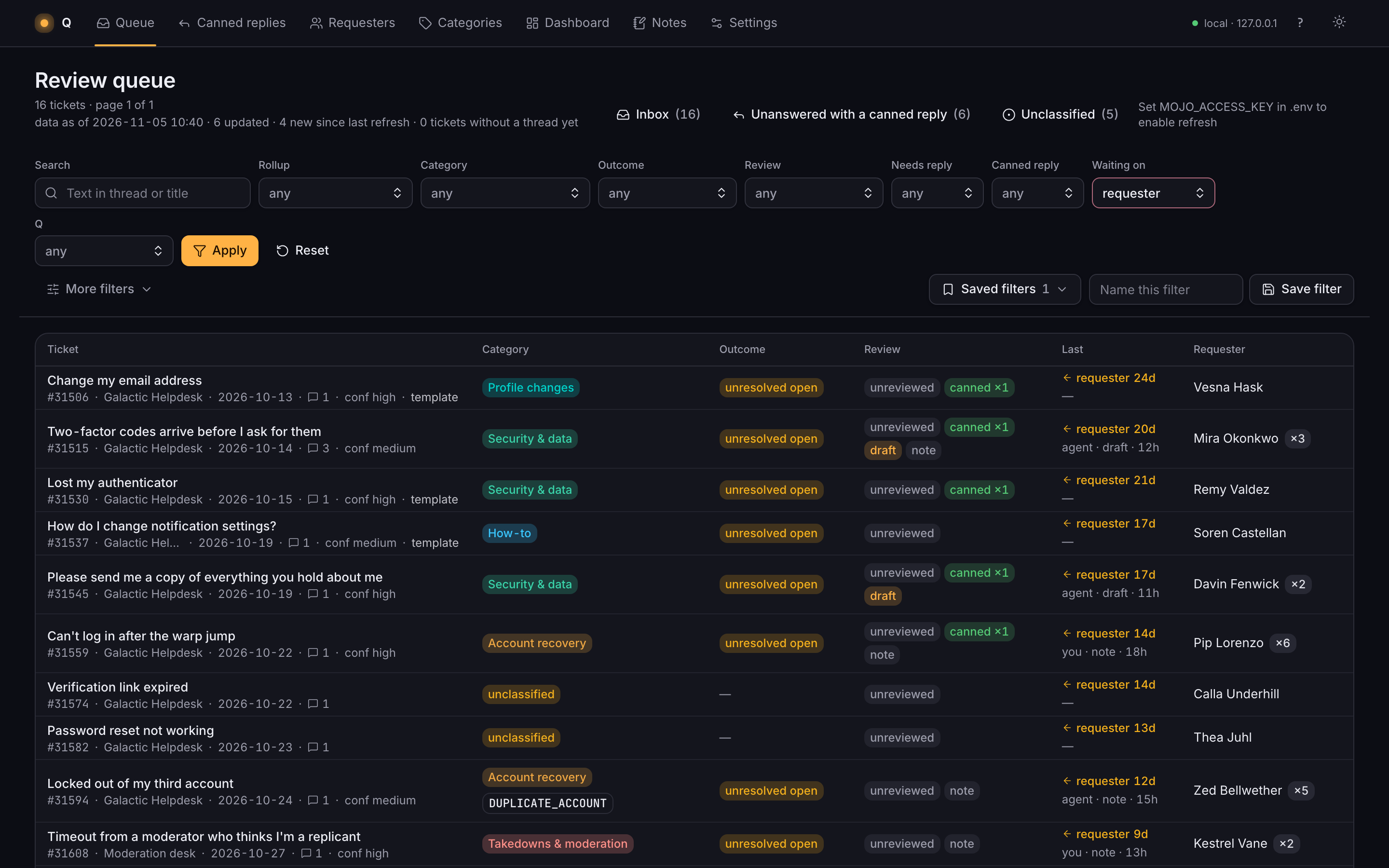
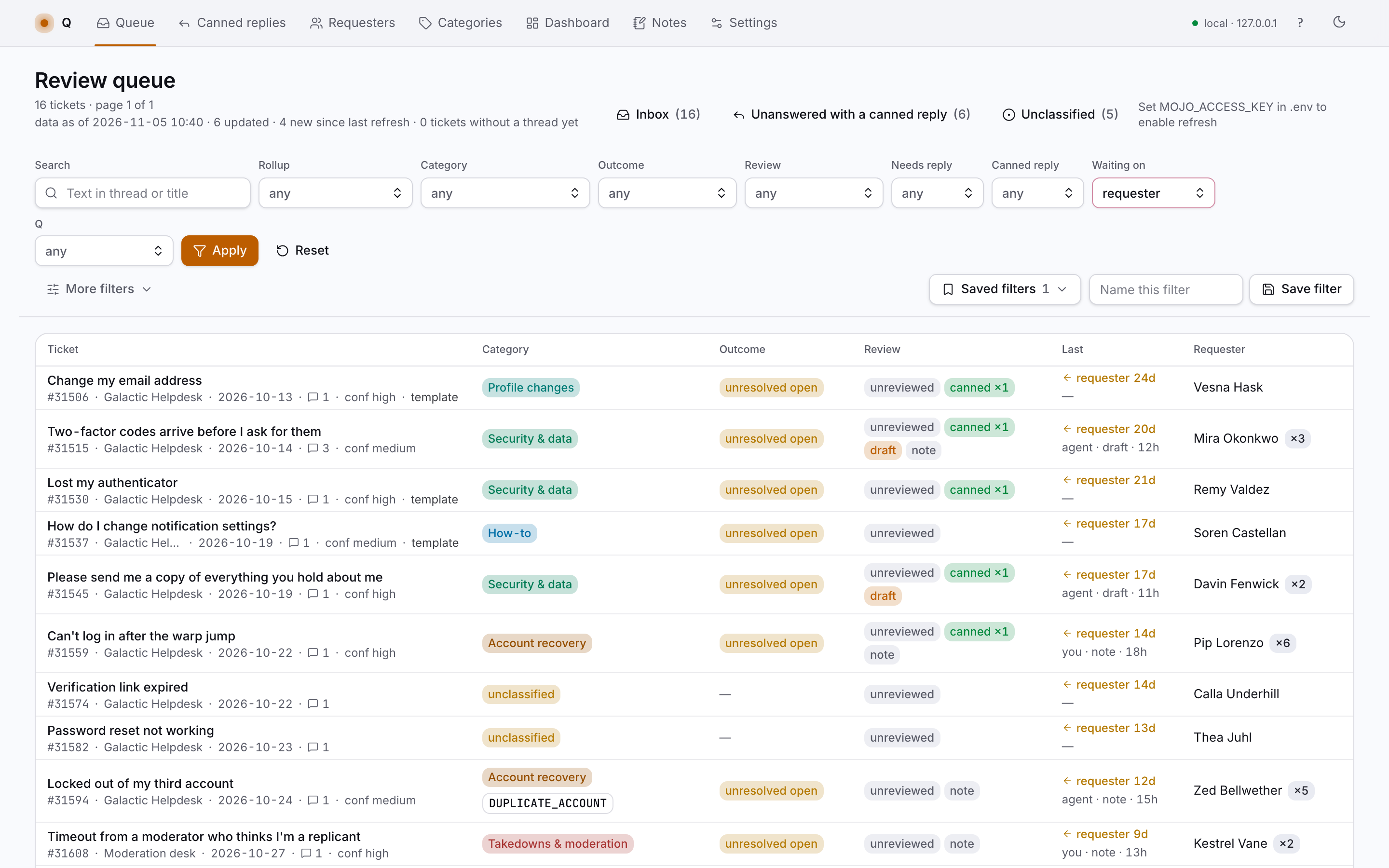
Q files every inbound ticket and suggests a reply. I review, edit and send. The best staff replies become canned replies that remember where they came from, and whoever has waited longest stays on top.
Inbound tickets are filed with a suggested reply automatically. Humans review the proposed draft and reply.
Tickets, threads and requesters come in from the helpdesk export. Re-importing replaces the machine data and never touches a review.
A model files every ticket with a category, an outcome, what the requester asked for and which message solved it.
Accept or correct each label with one key. The machine's answer stays next to yours.
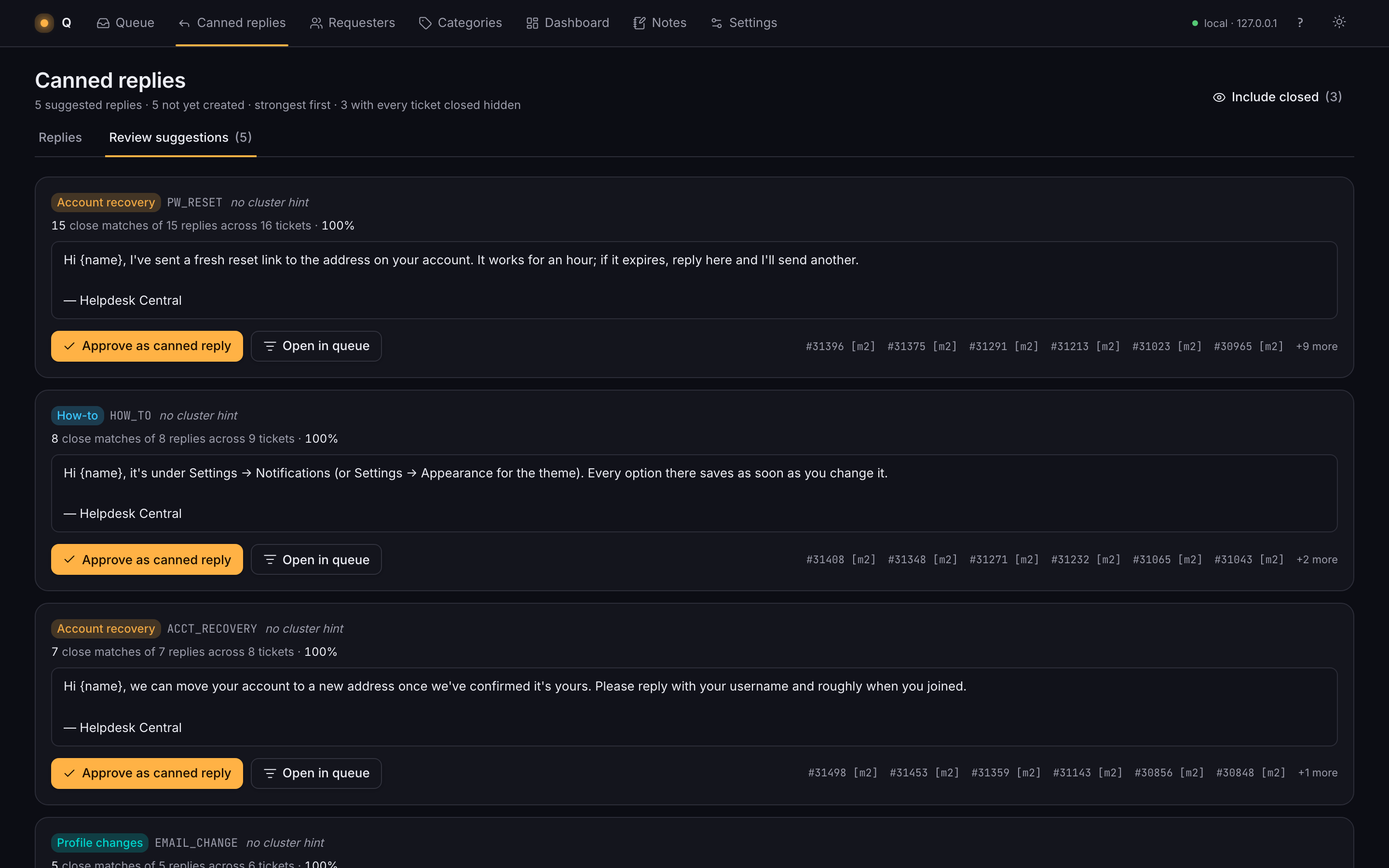
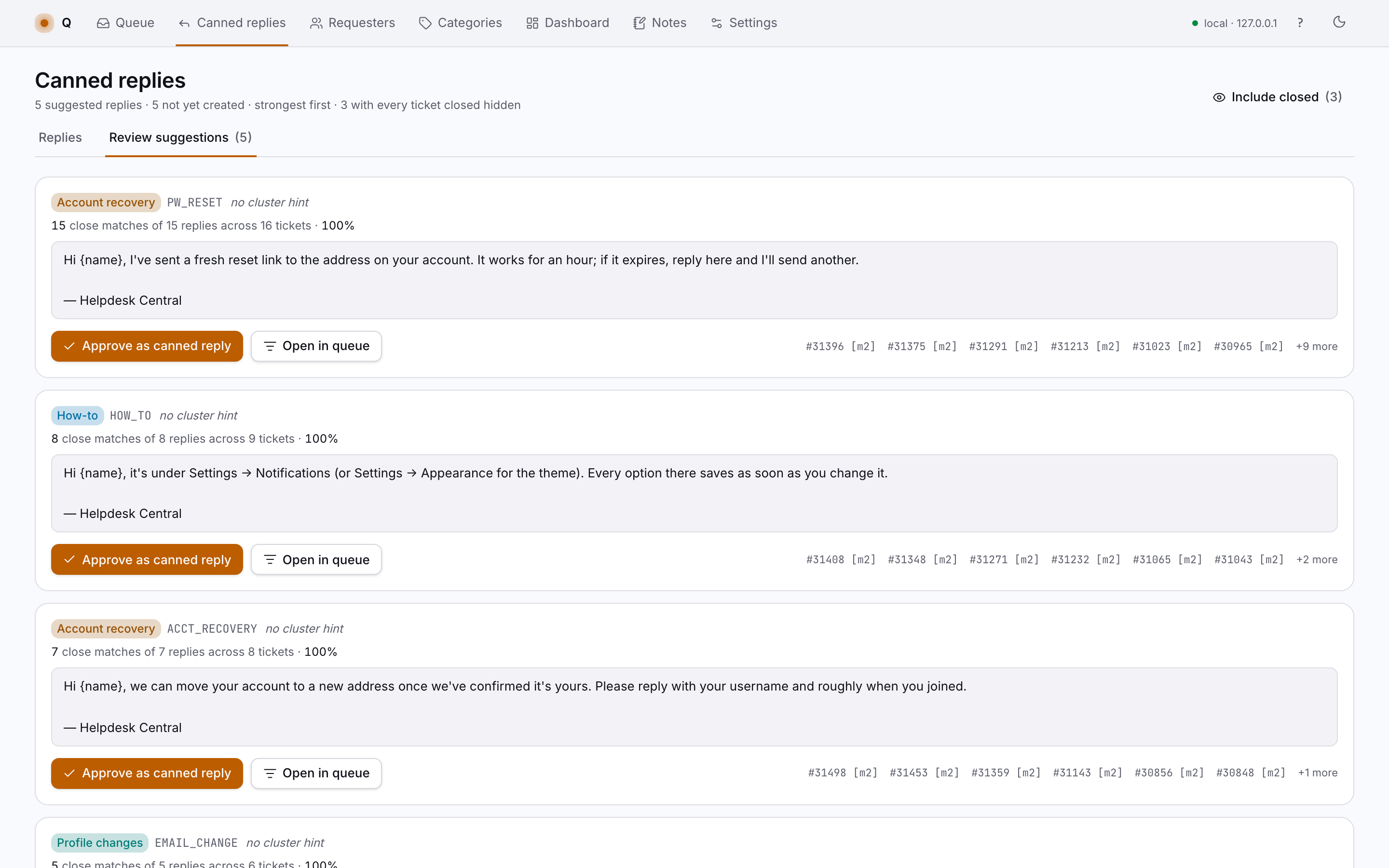
Good staff replies become canned replies, linked to the real tickets they came from.
Open tickets where the requester spoke last, oldest first. Repeat requesters show their history inline.
Draft in Q, fill the placeholders, paste the reply into the helpdesk and mark it sent.
New tickets come in from the helpdesk API and stay unfiled until reviewed.
Refresh feeds the next import and the workflow starts again.
Know who's waiting, work the oldest first, clear the queue in one sitting.
Read the full history, start from a draft with the details filled in, reply without hunting for links.
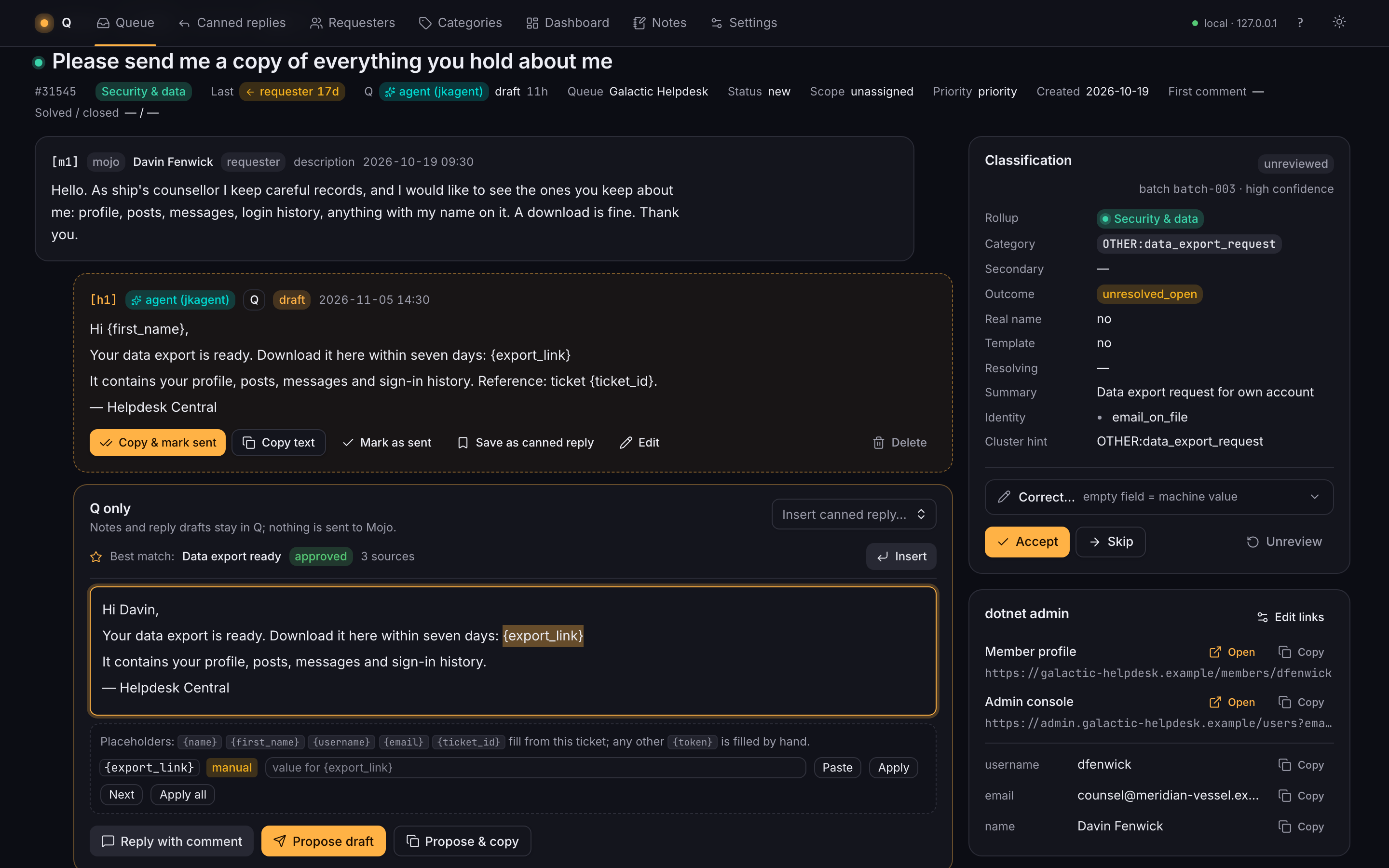
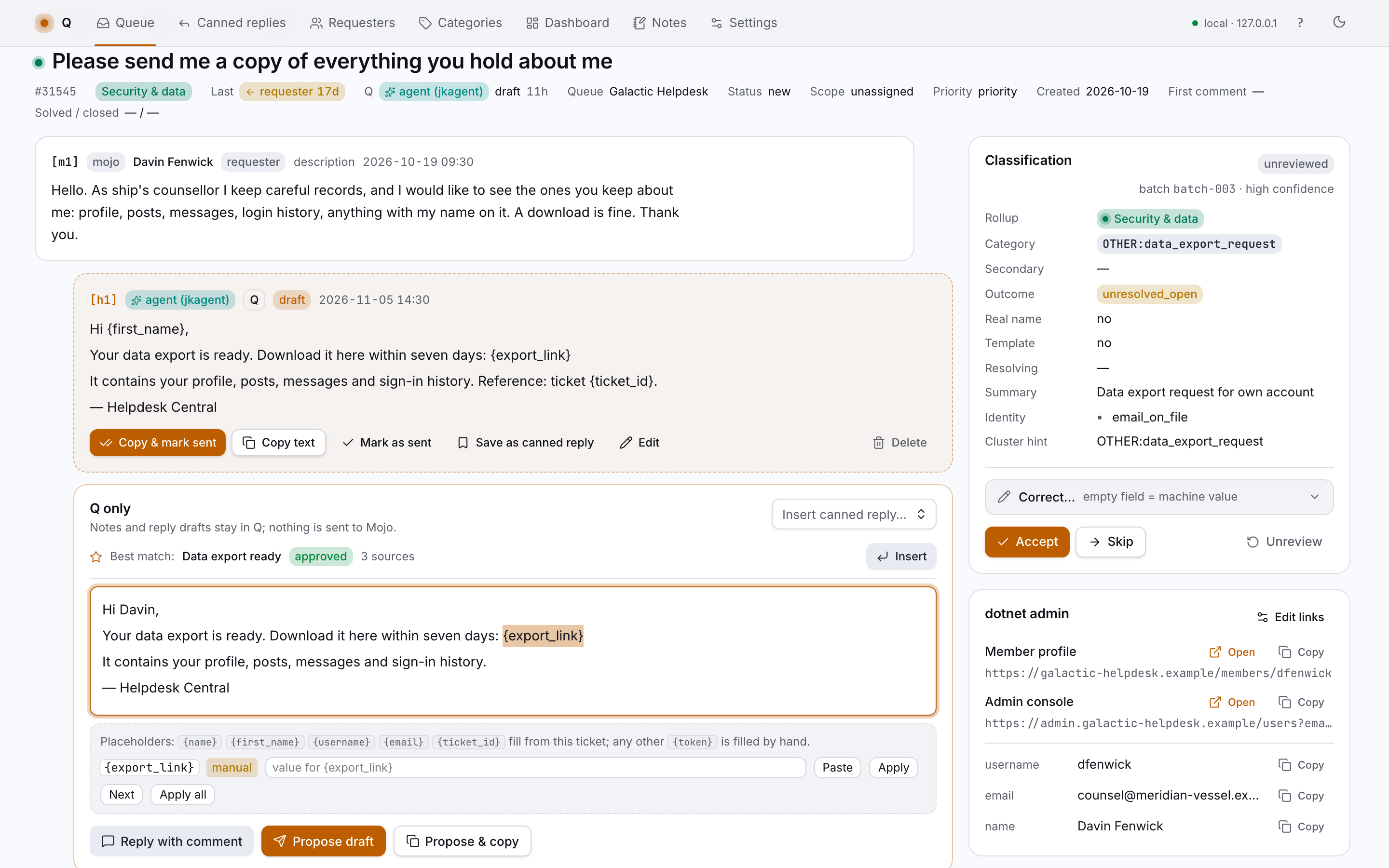
Analyze past responses, review three proposed drafts, craft the new standard for future replies.
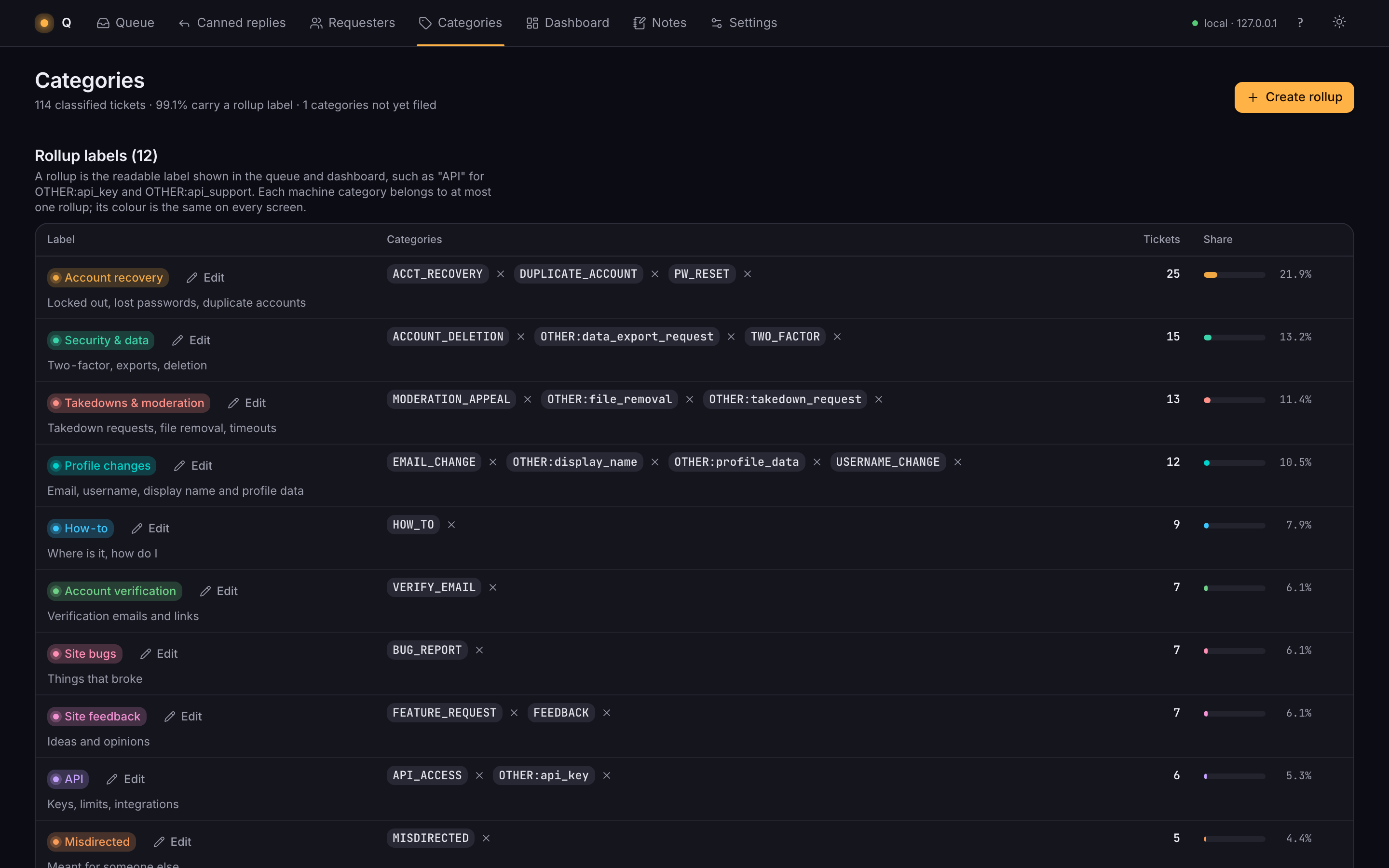
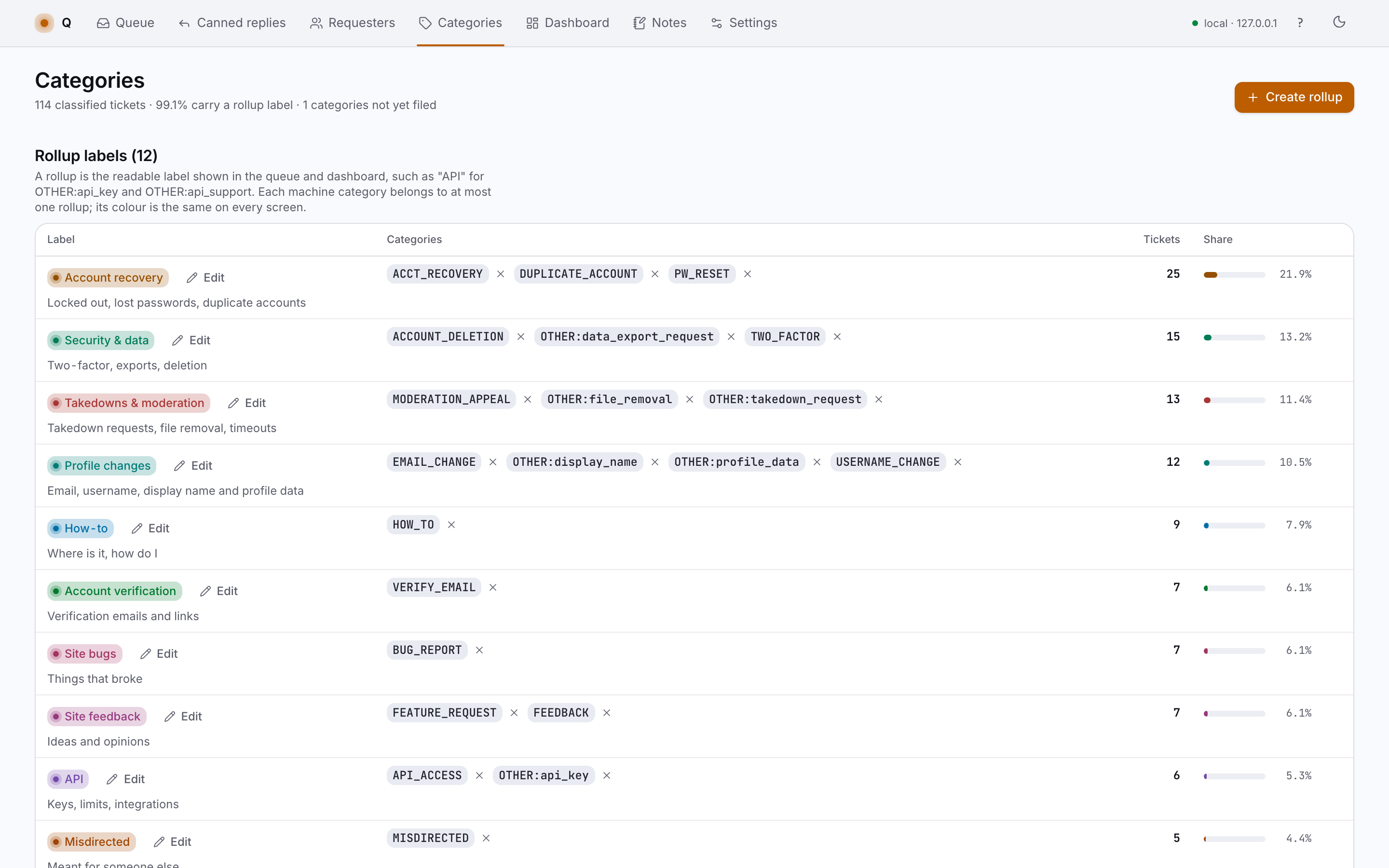
Group machine categories into rollups you can read at a glance, see what people actually ask for, decide what to fix first.
Recognize repeat requesters across accounts, see their whole history, answer with context.
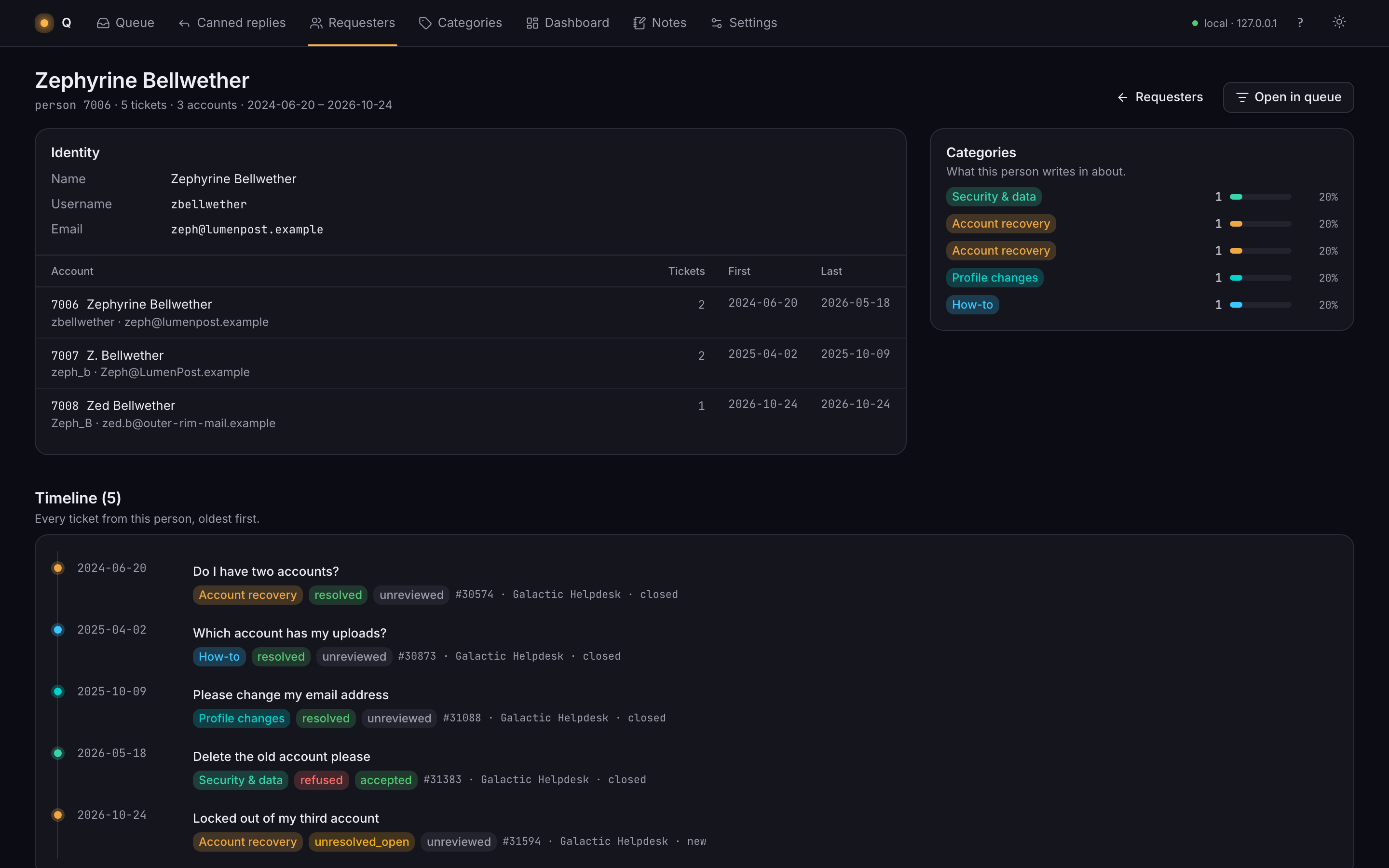
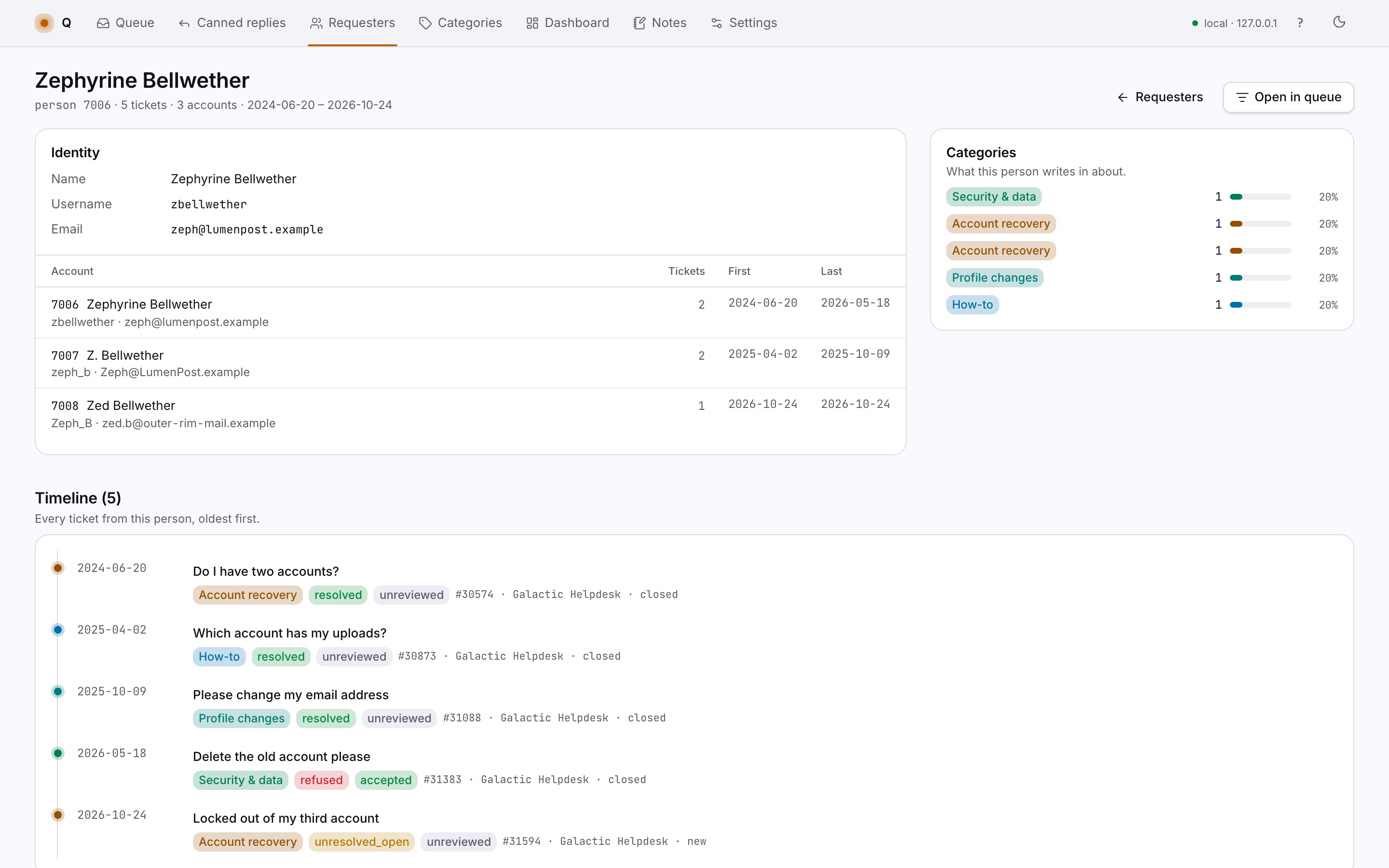
Track review progress, see which issues get resolved or refused, compare what humans and agents moved this week.
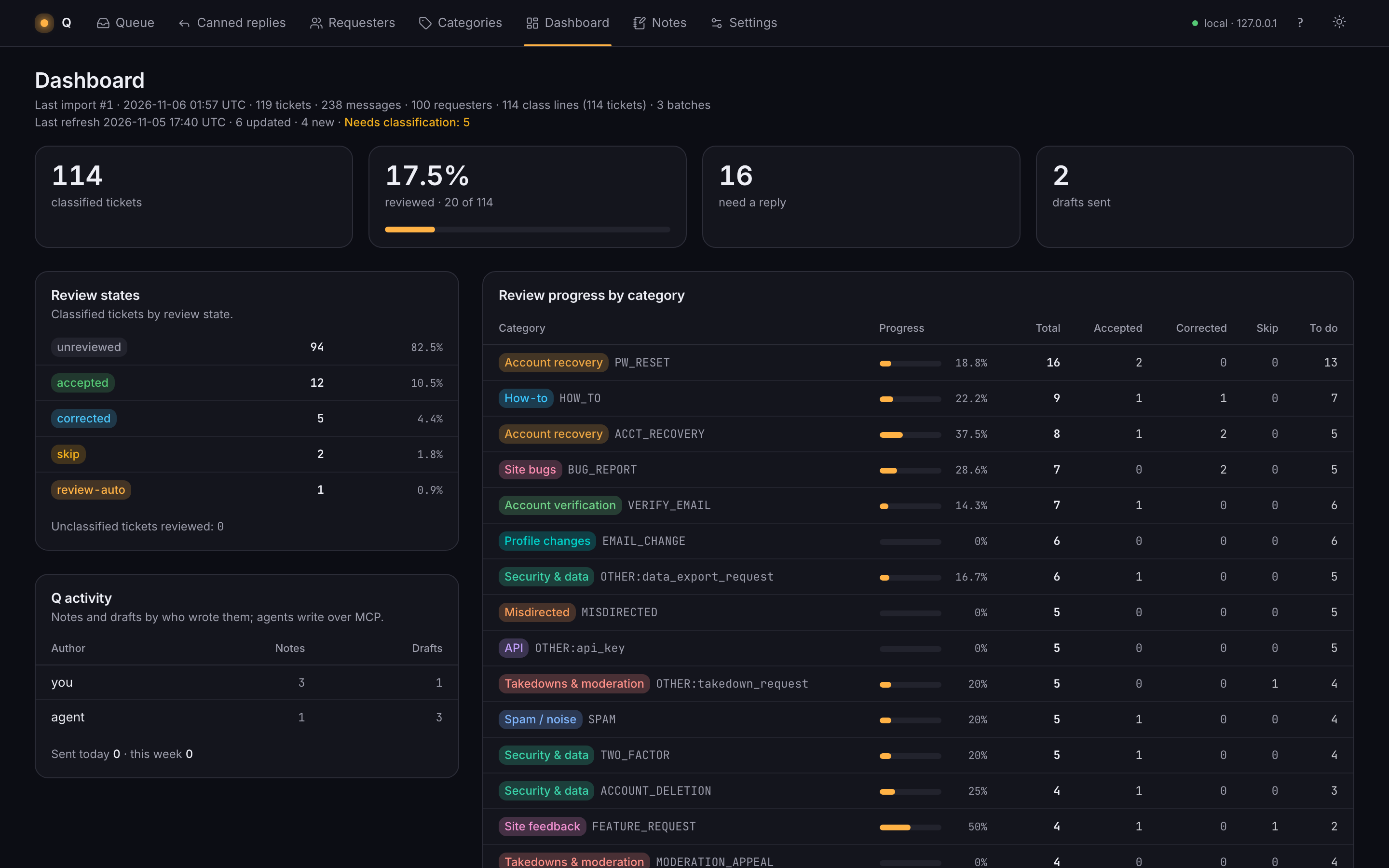
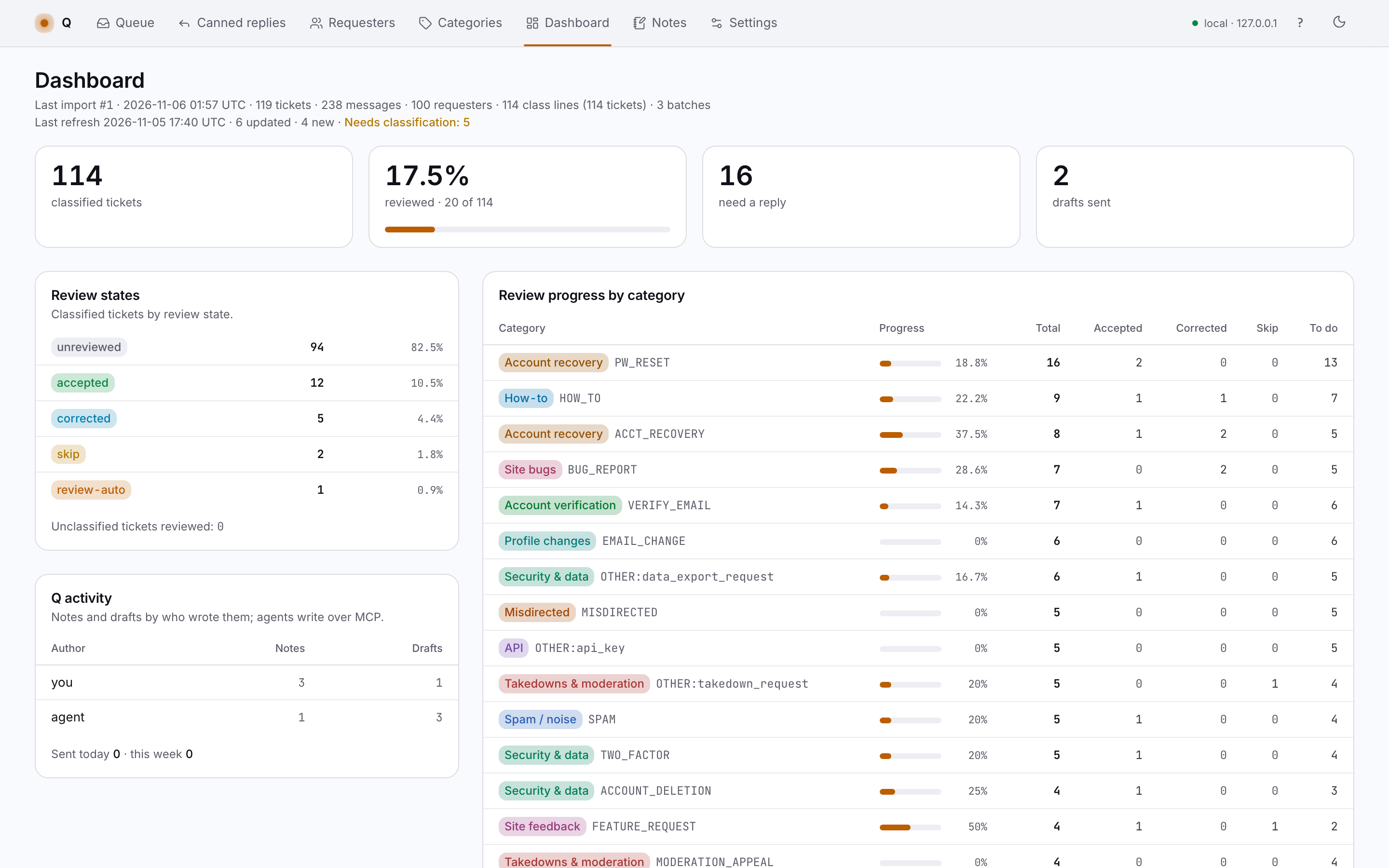
Hand the reading and first drafts to an agent, keep a human on every reply, see exactly which work was the agent's.
Pull in new tickets with one button, keep the queue current, never post anything back to the helpdesk.
I built Q for my own support backlog and long evening sessions with the helpdesk open in the next tab. It fits that job closely and makes no promises about yours.
Q runs on my machine at 127.0.0.1. Ticket data stays in a local database. The only network call is the read-only refresh I start.
No download, no signup, no pricing. This page shows how it works. The source is available on request.